Эффекты частиц
Particle effects Unity includes two particle simulation solutions for your effects needs (smoke, liquids, flames): —
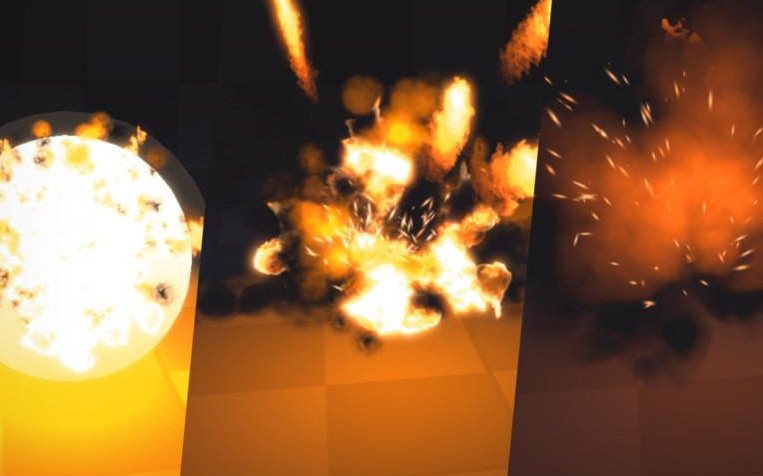
The Particle System can simulate thousands of particles on the CPU. Use the modules of the Particle System component to represent predefined behaviors. To create each effect, you will often layer several GameObjects with ParticleSystems together. ParticleSystem supports the Built-in Render Pipeline and URP. You can access the ParticleSystem class to define a system and its individual particles via script. Particle Systems can interact with Unity’s underlying physics system and any Colliders in your scene, but cannot access frame buffers. For examples of the built-in ParticleSystem, download the Particle Pack from the Asset Store.
A simple effects simulation using the Particle System
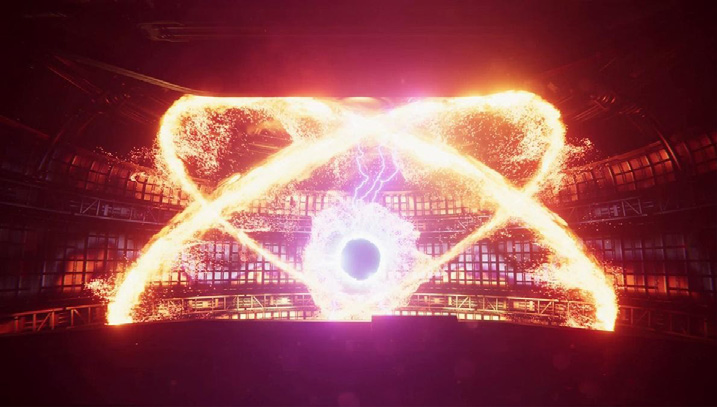
The Visual Effect Graph moves calculations on the GPU using compute shaders. This can simulate millions of particles that can also interact with the color and depth buffer. The workflow includes a highly customizable graph view. While it does not have access to the underlying physics system, a Visual Effect Graph can interact with complex assets such as Point Caches, Vector Fields, and Signed Distance Fields. Visual Effect Graph only works on platforms that support compute shaders and HDRP (support for URP is currently in Preview). You can use the event interface to send custom events and pass in attached data that the graph can process. The Visual Effect component also provides a playback control API. Unity maintains two GitHub projects that demonstrate production examples of the Visual Effect Graph, the Visual Effect Graph Samples project and the Spaceship Demo. These both illustrate how the Visual Effect Graph can create a myriad of high-quality effects.
Millions of particles onscreen created with the Visual Effect Graph
When selecting one of the two systems, keep device compatibility in mind. Most PCs and consoles support compute shaders, but many mobile devices do not. We currently recommend the built-in ParticleSystem if your intended platform is mobile. If your target platform does support compute shaders, Unity allows you to use both types of particle simulation in your project.