Пользовательский интерфейс
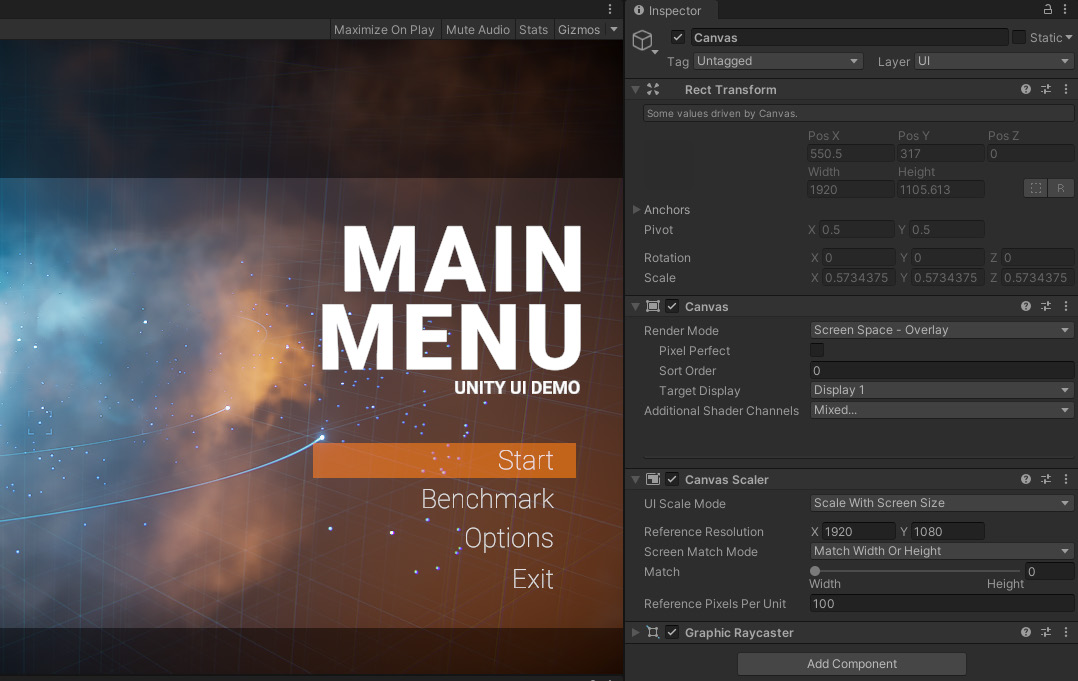
User interface Unity implements several UI systems for either your in-game user interface or for Editor scripts. You may tap one or more of these, depending on your use case. Unity GUI Unity UI (sometimes referred to as UGUI) offers a GameObject-based approach for editing and positioning UI elements. Unity UI is a system for developing user interfaces for games and applications. It uses components and the Game view to arrange, position, and style user interfaces. You cannot use Unity UI to create or change user interfaces in the Unity Editor. The Unity UI guide covers how to lay out your UI elements and create interactions.
Unity UI offers a GameObject-based approach for UI elements.
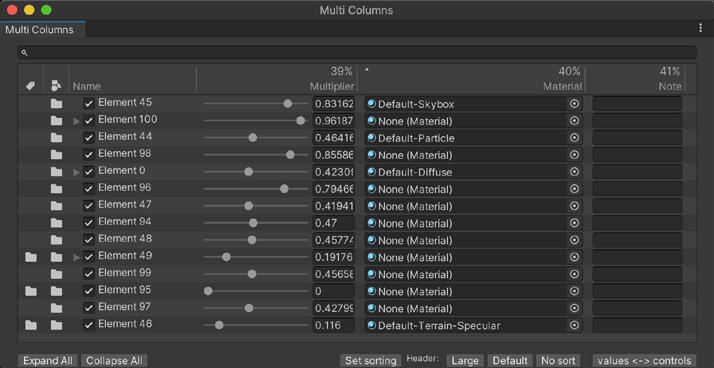
Immediate Mode GUI Immediate Mode GUI (IMGUI) can help you build custom inspectors and Editor windows. To create IMGUI elements, you write code within a special MonoBehaviour function named OnGUI. This system is not generally intended for normal in-game user interfaces. The code displays the interface in “immediate mode,” executed every frame. There are no persistent GameObjects other than the object where your OnGUI code is attached. The code produces GUI controls that are drawn and handled with a single function call. Follow this scripting guide for when you need IMGUI.
An Editor UI created with Immediate Mode GUI