Создание игрового мира
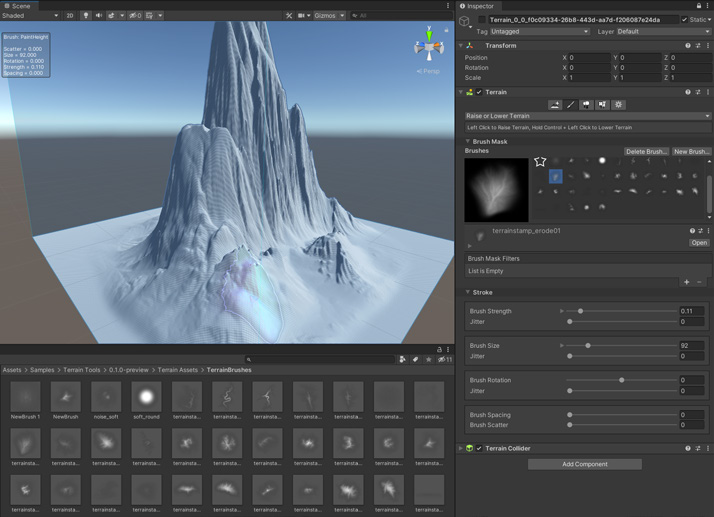
Worldbuilding Your games will need some levels. These tools can help. ProBuilder and Polybrush Unity includes an add-on package called ProBuilder, a streamlined 3D modeling and level design tool. Use ProBuilder to quickly prototype structures or to make custom collision geometry, trigger zones, or nav meshes. This is optimized for building simple geometry and greyboxing your game levels. Polybrush gives you the ability to sculpt meshes, blend textures, paint vertex colors, and scatter objects over your levels. Together with ProBuilder, you have a complete suite of tools for level design. Roundtrip with your DCC package of choice (Maya, Blender, etc.) to further refine your models. Terrain tools For complex natural 3D environments, the Unity Editor includes a built-in set of Terrain tools (available as a package in Unity 2021.2 and above) that allow you to add landscapes to your game. In the Editor, you can create multiple Terrain tiles, adjust the height or appearance of your landscape using brush based tools, and add trees or grass to it.
Unity Terrain tools
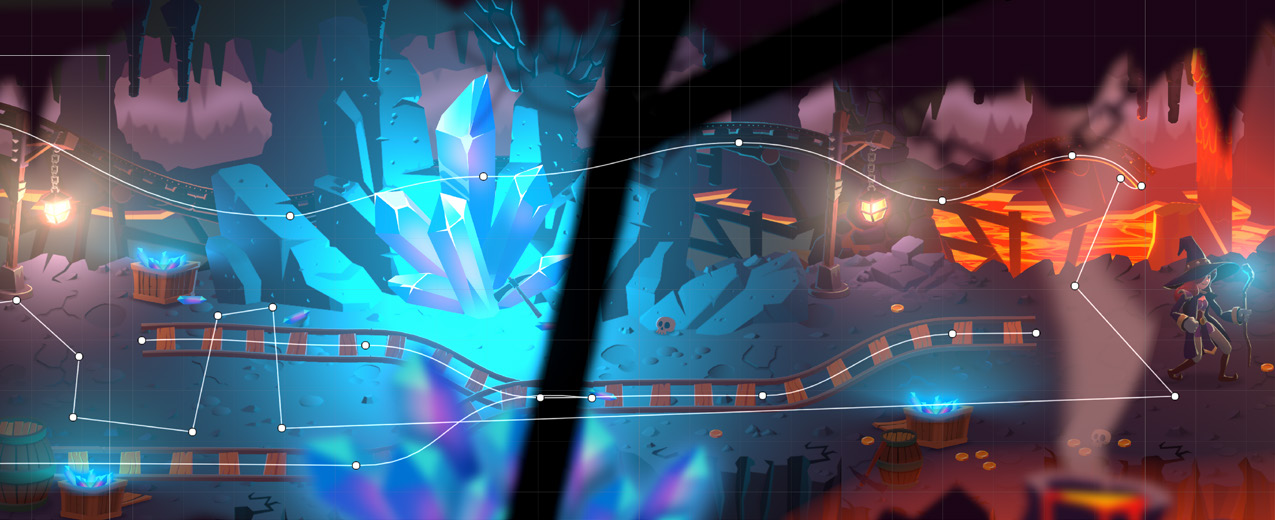
2D Tilemap and Sprite Shape Working in 2D? Create large grid-based worlds, including hexagonal and isometric environments, with Tilemap. This system stores and handles Tile Assets for creating 2D levels. Then, you can set up a Tile Palette and use a variety of Brushes to paint your 2D Tilemaps. Sprite Shape gives you the freedom to create rich free-form and organic 2D environments with a visual and intuitive workflow. The tool works by dynamically tiling sprites along spline paths based on a given set of angle ranges. Sprites tiling on the spline automatically deform, and the tool swaps sprites based on the outline angle.
The SpriteShape tool lets you create organic 2D environments.