Unity Hub
Unity Hub Begin exploring Unity with the Unity Hub, a tool that manages all of your Unity projects and installations. Use the Hub to install one or more versions of the Unity Editor, create new projects, or open existing ones. To get the Hub, visit the Unity website and select Download Hub. Use the interface to install Unity, and activate an individual or team license before launching the engine. Unity Plus and Pro licenses also require a valid serial number.
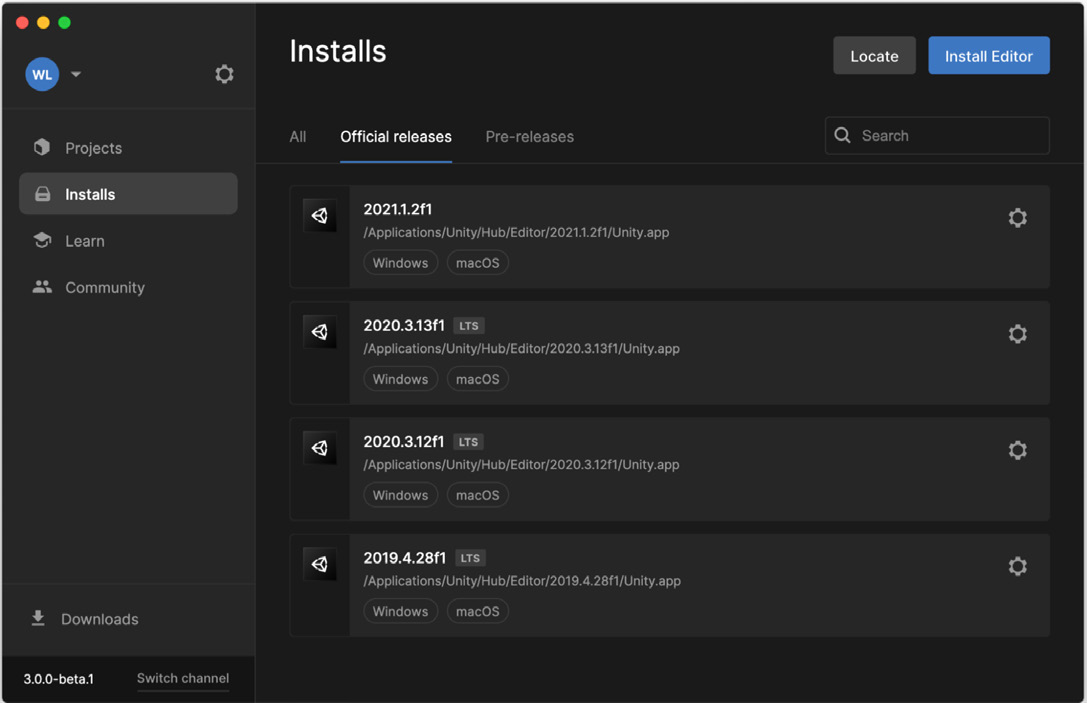
The Unity Hub helps you manage projects and installed versions.
In the Unity Hub, navigate through the Projects, Installs, Learn, and Community screens. The Installs screen lets you selectively install various versions of Unity, including both pre-releases and official releases. Add only the modules you need for finelevel control of platform-specific support or dev tools.
We recommend that you use the current Long Term Support, or LTS, version of Unity for production work. Unity 2020.3 LTS provides: —
a stable foundation for projects that are about to ship
biweekly updates until mid-2022 with monthly updates thereafter until March 2023 (two years after the initial release date)
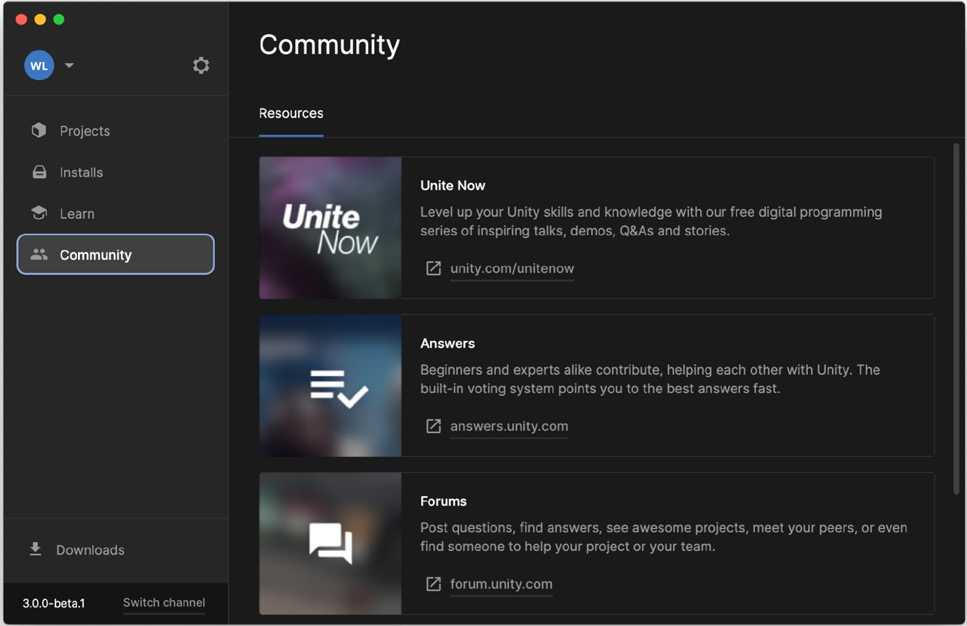
Updates to LTS versions only cover usability fixes aimed at improving the engine’s stability. Active projects appear in the Projects screen. Associate a specific target platform with each project and lock development to a specific Unity version to prevent an update from introducing work-stopping bugs. The Learn screen gives you access to numerous educational resources and tutorials to help you get acclimated to the engine. Follow the Community screen for other commonly available resources, such as the Unity Blog and Unite Now talks. If you have a technical question, you can ask a question or read a discussion on the Answers or Forums pages.
The Community screen links to several online resources.