Демонстрационные проекты и ресурсы
Sample projects and resources
Unity offers a variety of sample projects designed to help you get started with Netcode for GameObjects and Netcode for Entities. These resources provide practical examples to guide you through implementing multiplayer networking in your own applications.
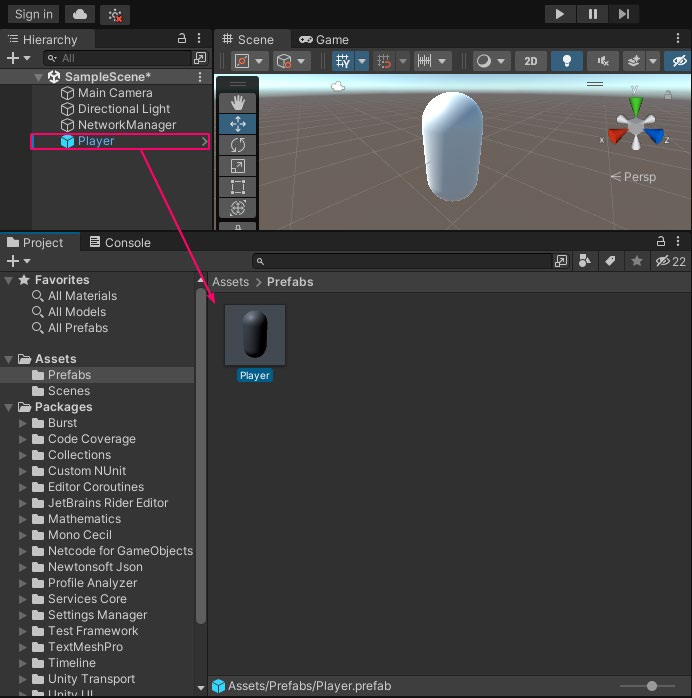
Resources for Netcode for GameObjects Unity Learn: Get started with Netcode for GameObjects This Unity Learn tutorial provides practical steps on building and testing a basic multiplayer game in Unity, as well as utilizing and testing Remote Procedure Calls (RPCs) and Network Variables. You’ll also learn how to create a simple user interface for different modes (Host, Client, and Server) and add and control basic movements in these modes.
A screenshot from the Unity Learn tutorial on Netcode GameObjects
Bitesize samples The Bitesize Samples repository provides a series of sample code as modules to use in your games and better understand Netcode for GameObjects. The repository includes: —
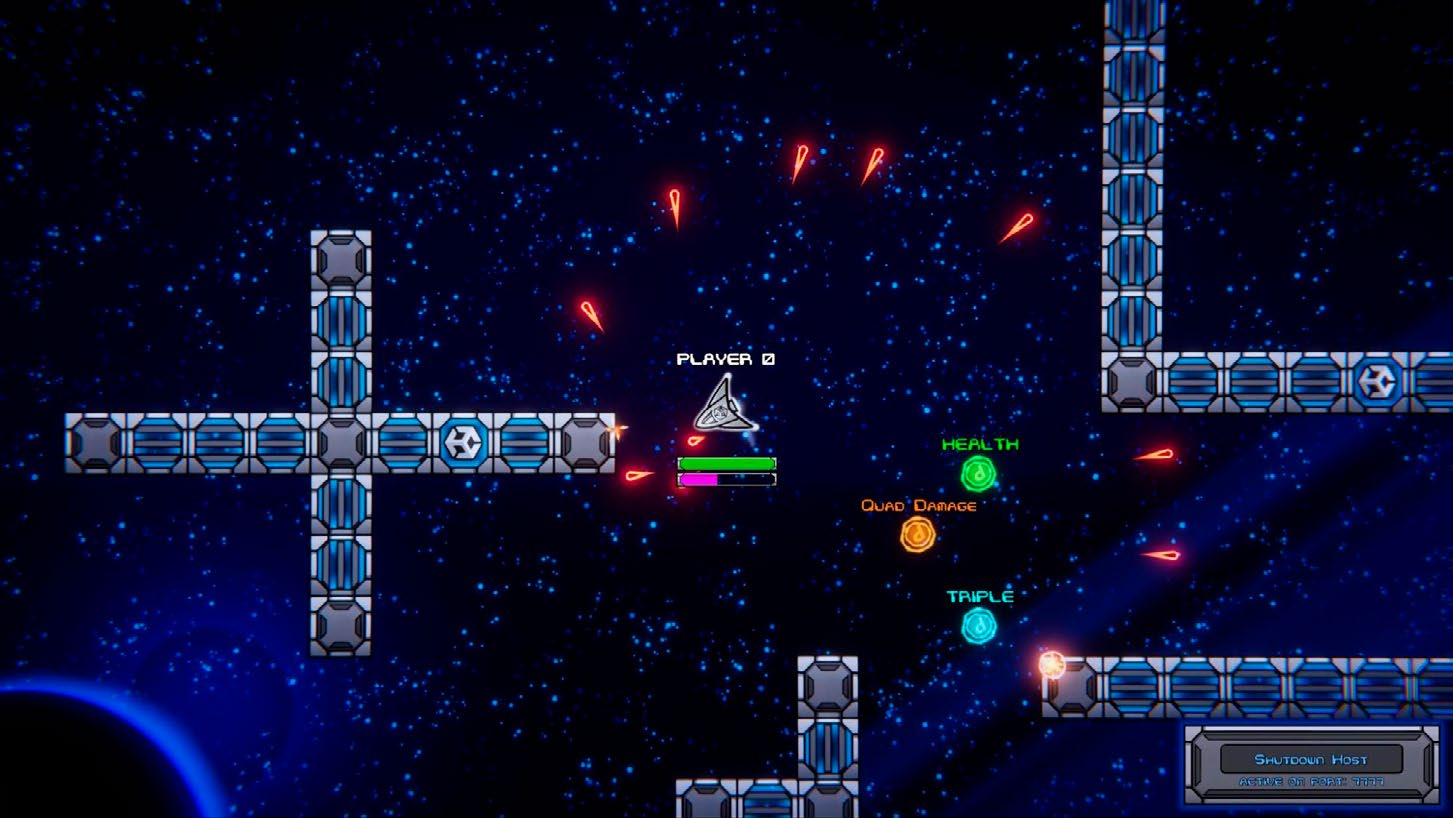
2D Space Shooter Sample: Learn more about physics movement and status effects using Netcode NetworkVariables and object pooling.
The 2D Space Shooter from the Bitesize Samples
Distributed Authority Social Hub: Learn how to set up this topology where control and management of the game state are distributed among multiple clients, reducing server load.
Multiplayer Use Cases Overview: This sample shows you how to perform common actions in a multiplayer environment, so that you can build the features of your game with them in mind.
Client Driven Sample: Learn more about client-driven movements, networked physics, spawning vs statically placed objects, and object reparenting.
Dynamic Addressables Network Prefabs: Learn more about the dynamic prefab system, which allows us to add new spawnable prefabs at runtime.
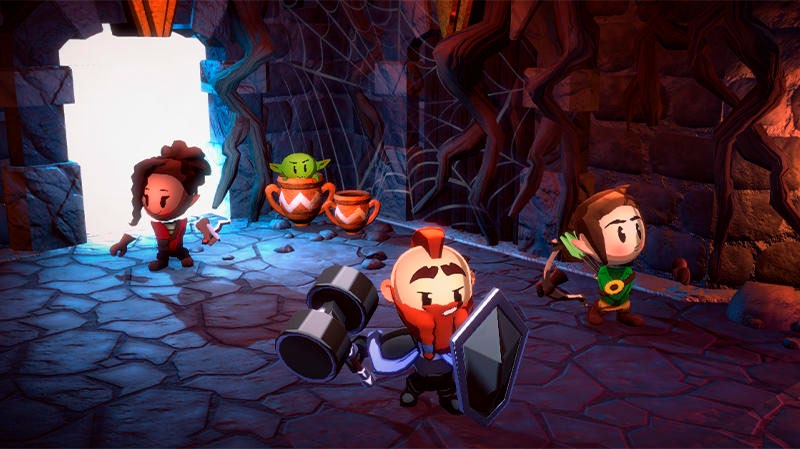
Boss Room Boss Room is a 3D casual co-op game sample project built with Netcode for GameObjects that is designed to help you explore the concepts and patterns behind a multiplayer game flow.
Boss Room is a slice of a full-featured co-op multiplayer game.
Both a functional game sample and learning tool for developers interested in networked multiplayer games, Boss Room is Unity’s longest running production-ready multiplayer sample built with the Netcode for GameObjects workflows. This sample includes production-level code and is integrated with our Lobby and Relay hosting services. Boss Room demonstrates game mechanics for network play, including character abilities and special attacks, networked physics, and state tracking (e.g., breakable objects, switches, and doors). These techniques demonstrate how to hide latency and create smooth gameplay even under less than ideal network conditions. Let’s take a closer look. Game flow and state management: Boss Room includes a practical implementation of game state, covering both the lobby and in-game play. It demonstrates how to handle player connections, load and unload scenes for network play, and manage graceful disconnections. Integration with UGS: Boss Room integrates several UGS features, including Relay, Lobby, and Authentication. Utility scripts and tools: The repo also contains a variety of utility scripts and tools that can be adapted for use in other projects, including examples of client authority, scene management utilities, and networked object pooling.
Client-server model: Boss Room uses a client-server model where one of the players acts as the host (server) and other players are clients. Centralizing game logic reduces the chances of cheating and ensures that the game state is consistent across all clients.
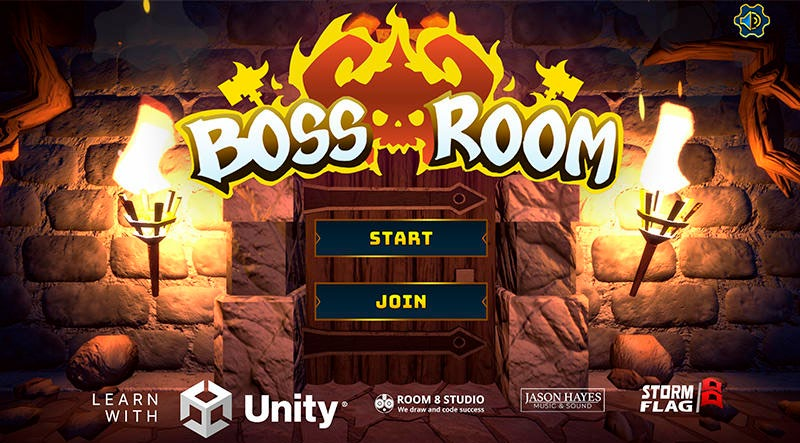
The start menu in the Boss Room sample project
For a deep dive into the project, be sure to check out this blog post and this four-part YouTube webinar, “Build a production-ready multiplayer game with Netcode for GameObjects.” The series covers foundational game mechanics and server authority, including how to implement networked gameplay and object spawning. It also demonstrates how to enhance game resilience to player actions and optimize for better bandwidth management. This resource is for developers looking for practical, hands-on guidance using a full-featured multiplayer project.
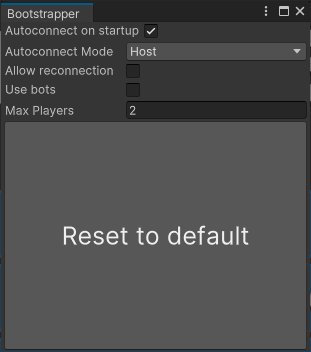
Small Scale Competitive Multiplayer template Available from the Unity Hub, this template provides a starting point to create and ship your multiplayer project using Netcode For GameObjects and UGS. The template includes a Bootstrapper tool that helps you test using various network modes (Host, Client, Server) and dynamic configurations.
To get started open the project and follow the instructions in the included welcome dialog. Follow the in-editor tutorials or explore on your own and load the start scene from the Multiplayer > Bootstrapper menu item. Adjust the value of each field of the Bootstrapper according to what you want to test and enter Play mode.
Set the Bootstrapper options.
Remember that you can access tutorials and useful resources at any time from the Tutorials > Show tutorials menu.
VR Multiplayer template
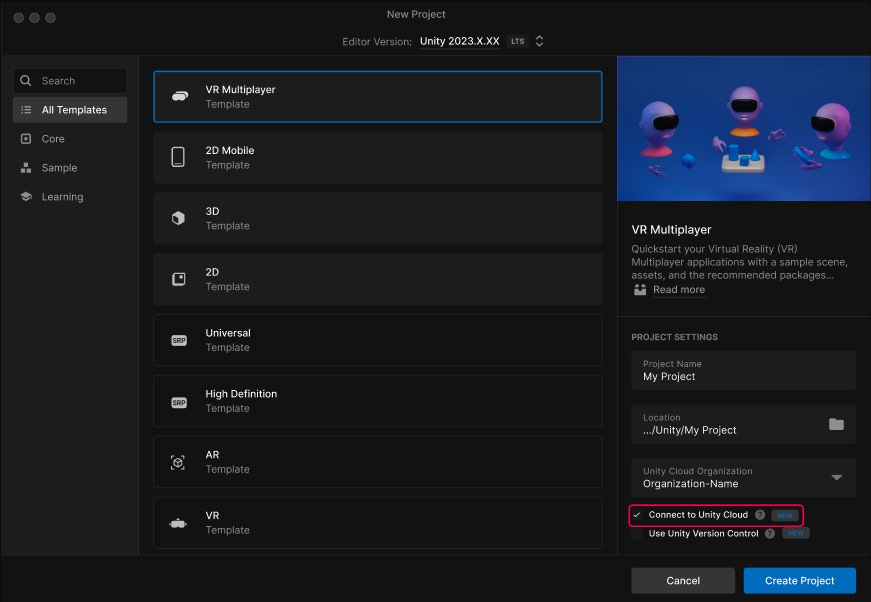
Open the VR Multiplayer template from the Unity Hub.
The VR Multiplayer template is is designed for creators starting a new project that will target an OpenXR device. It provides everything you need for networked interactions, voice chat, lobbies, and more. It leverages Unity Gaming Services, Netcode For GameObjects and the XR Interaction Toolkit and is built to work well on the Meta Quest platform as well as other OpenXR compliant devices. The key features of the VR Multiplayer template include: —
Networked Interactions via XRI Interaction Toolkit and Netcode for GameObjects
Voice Communication via Vivox
Connect to anyone, anywhere with Relay and Lobby
Networked Avatars and Hands
Works cross platform via OpenXR
Download the Unity VR Multiplayer Template for Unity 2022 LTS and Unity 6 Preview from the Unity Hub and check out the quickstart guide.
Resources for Netcode for Entities Getting started with Netcode for Entities This on-demand webinar takes a deep dive into Megacity Metro, Unity’s large-scale, crossplatform multiplayer game sample made with Netcode for Entities and Unity Gaming Services. The webinar is for users who are already familiar with DOTS and want to start creating ambitious multiplayer games.
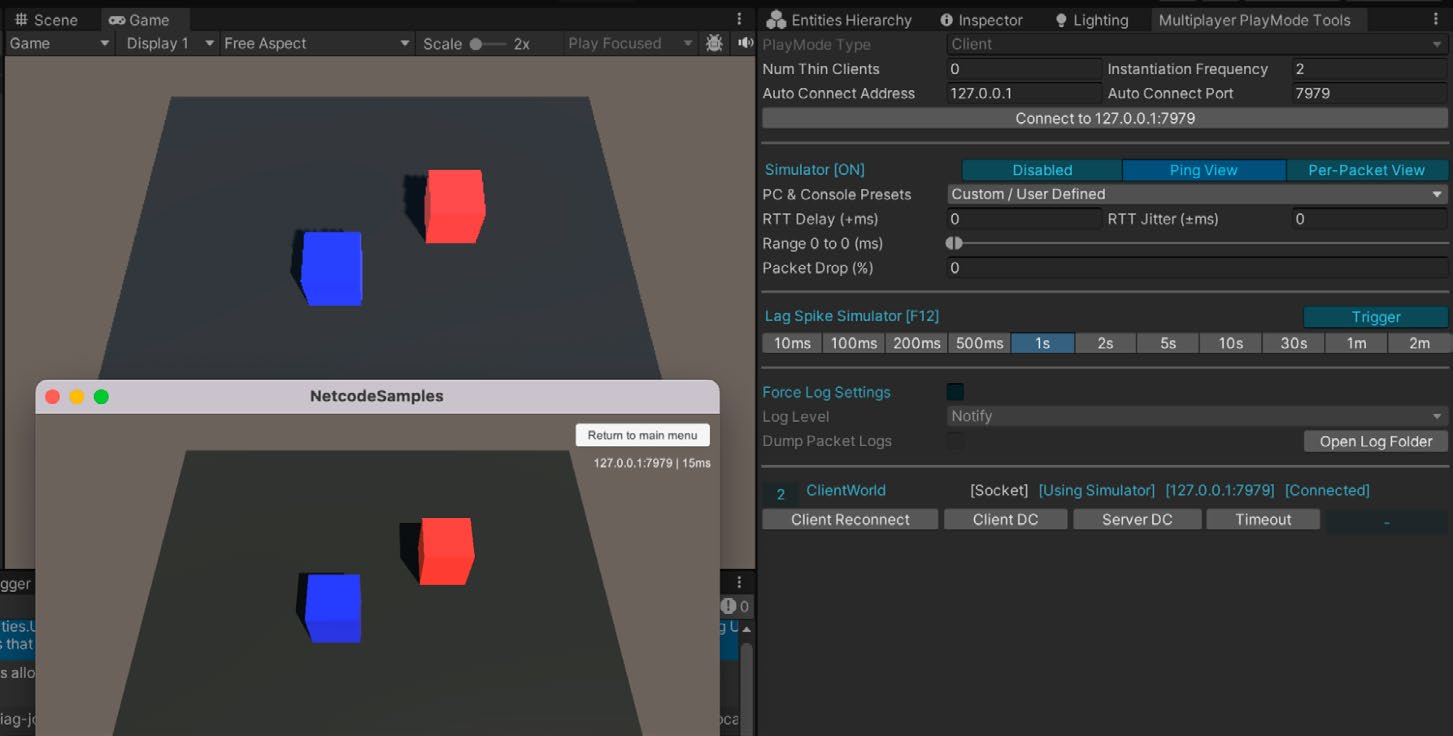
ECS Netcode samples These samples demonstrate many basic and advanced features, including syncing, connection flows, integration with Unity Physics, and more. Start with the Networked Cube tutorial, which covers: —
Establishing a connection with the server.
Communicating with the server.
Spawning synchronized entities on the server.
Creating standalone builds of the server and client.
Running the server and a client in Play mode within the Editor.
The Networked Cube tutorial running in the Editor and as a standalone build
ECS Network Racing This multiplayer racing game sample showcases best practices for using Unity Netcode for Entities. This demo features an implementation of client-server architecture with client-side prediction, interpolation, and lag compensation.
ECS Racing showcases advanced multiplayer features.
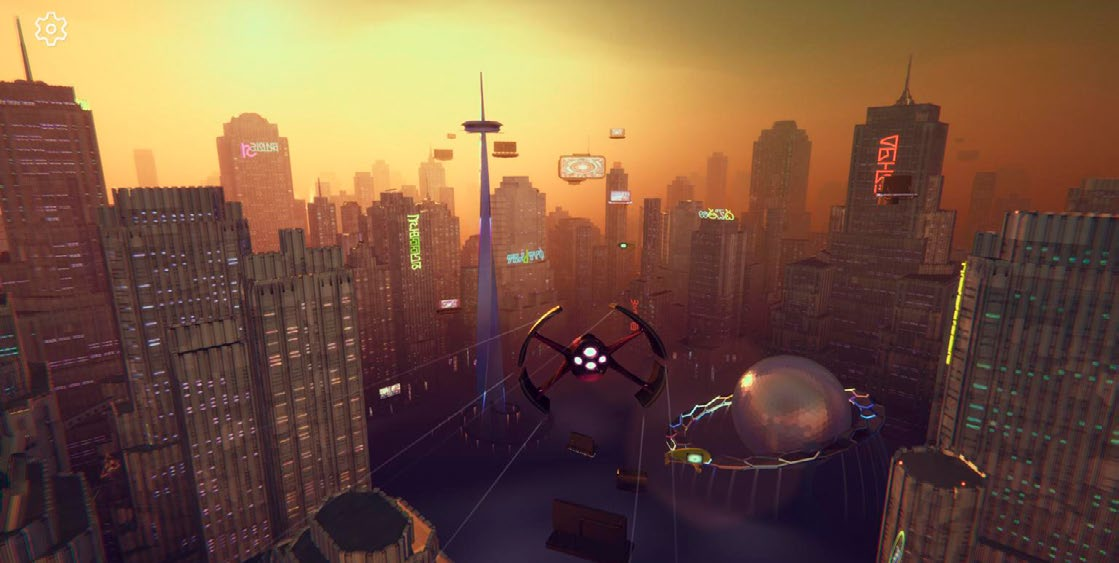
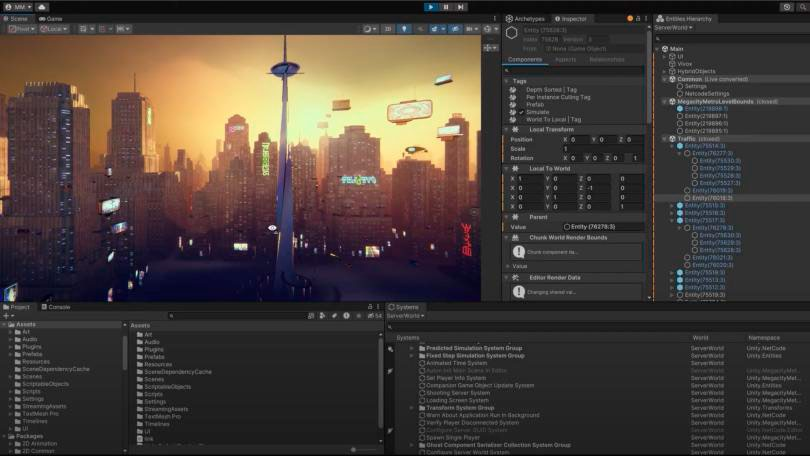
Megacity Metro Megacity Metro (Unity 6, Unity 2022 LTS) is a scalable, high-concurrency, cross-platform demo of our latest technology, including the Netcode for Entities package. This third-person multiplayer action demo supports 128+ players. The multiplayer sample is perfect for those who want to master implementing serverauthoritative gameplay and leveraging UGS for an end-to-end multiplayer game.
The Megacity Metro demo from Unity supports 128+ players.
Learn more about building ambitious games using ECS for Unity and our Multiplayer solutions. ECS for Unity brings value to seasoned Unity creators who need additional control and determinism to achieve more ambitious games. Megacity Metro features advanced mechanics like interpolation, client-side prediction and lag compensation. Download the demo to explore services like Multiplay Hosting, Matchmaker, and Vivox Voice Chat.
Megacity Metro uses Netcode for Entities in a multiplayer action demo.
Experimental Multiplayer Services package Building a multiplayer game requires integrating several products and services together. With the new Multiplayer Services package (com.unity.services.multiplayer), we’re simplifying integration and dependencies management across multiplayer services while offering a new way to interact with the products. The Multiplayer Services package is a one-stop solution for adding online multiplayer elements to a game. Powered by UGS, it combines capabilities from services such as Relay and Lobby into a single new “Sessions” system to help you quickly define how groups of players connect together. The Multiplayer Services package enables you to create peer-to-peer (P2P) sessions while providing multiple methods for players to join those sessions, such as by a join code, by browsing a list of active sessions, and “Quick Join.”